Stop pasting your private keys into every app. Bunker46 keeps your nsec keys encrypted on your own server and signs remotely via NIP-46. Your keys never leave the bunker, only signatures do.
Every Nostr app asks for your nsec. Clipboard malware can swap keys instantly. Your attack surface grows with every app you touch. One compromise means total loss of your identity.
Your private key stays securely encrypted inside the bunker. Apps connect via NIP-46 and receive only the signatures they need. Full control, zero key exposure.
Everything you need to keep your Nostr identity safe, running on your own infrastructure.
Private keys encrypted with AES-256-GCM. Passwords hashed with Argon2. Your nsec is never stored in plaintext.
TOTP two-factor authentication and WebAuthn/Passkeys support. Secure your bunker with hardware keys or biometrics.
Per-connection method and event kind restrictions. Control exactly what each app is allowed to sign.
All RPC methods: sign_event, ping, nip04/nip44 encrypt/decrypt, switch_relays. Both bunker:// and nostrconnect:// URIs.
All relay communication encrypted with NIP-44. Auth challenges supported for out-of-band verification.
Spin up with Docker Compose in minutes. Non-root containers, PostgreSQL backend, optional Redis for live updates.
A clean, modern interface for managing your Nostr keys and connections.
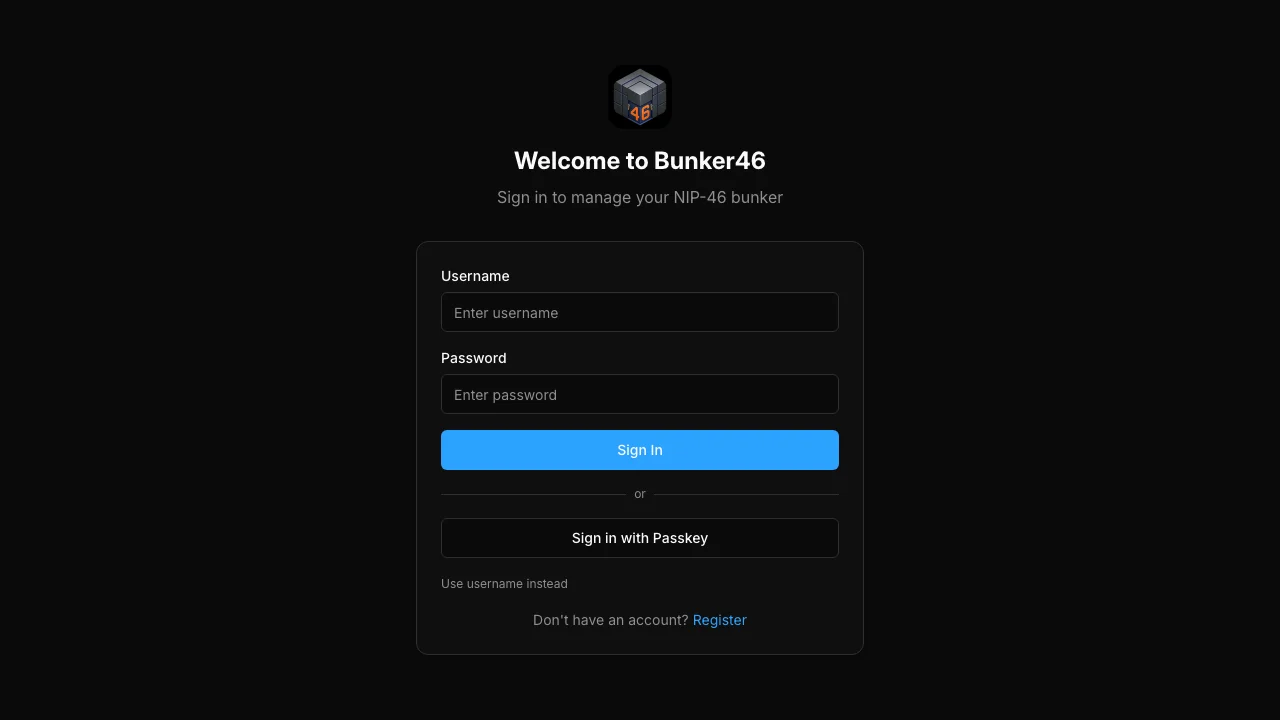
Secure login with 2FA and WebAuthn support
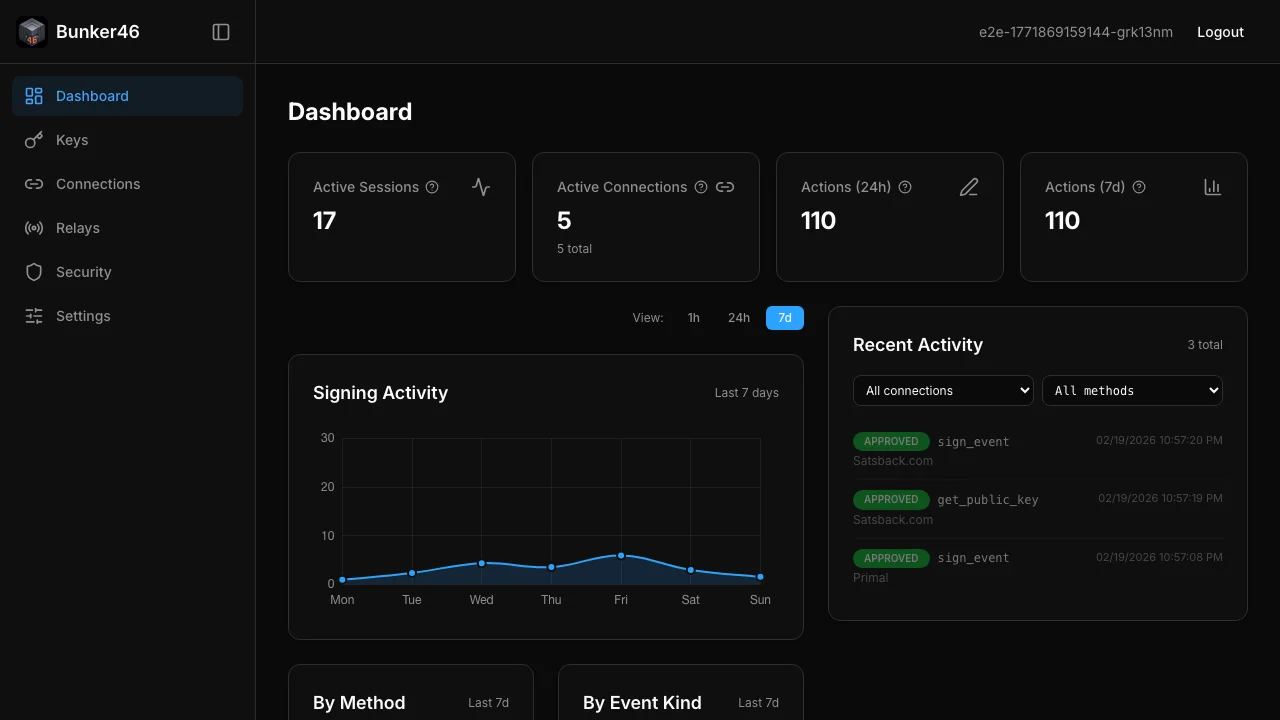
Real-time dashboard with signing activity
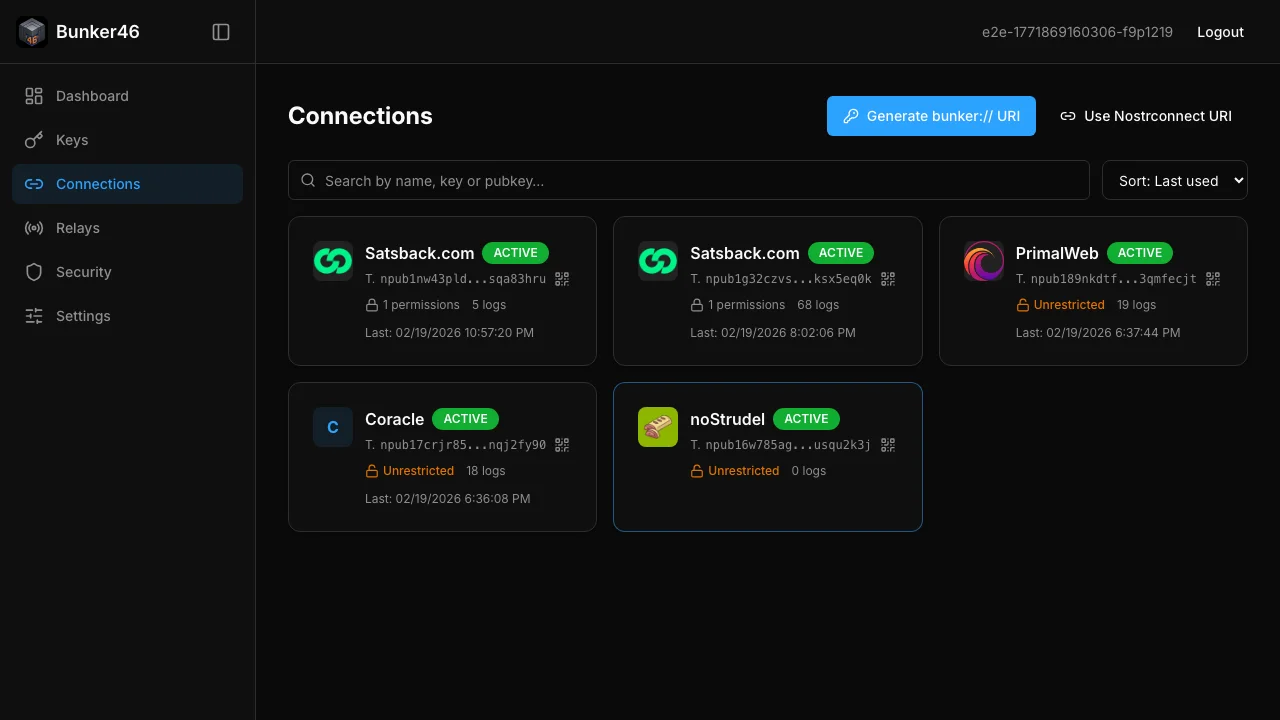
Manage app connections and permissions
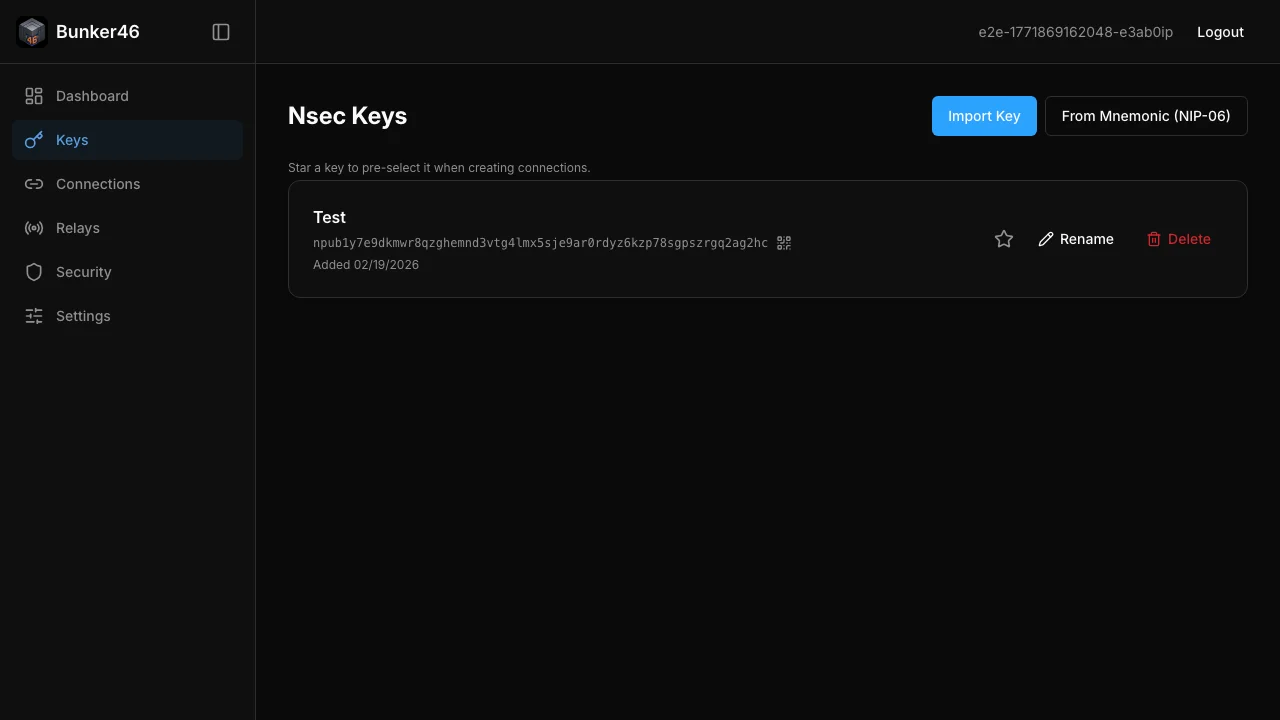
Encrypted key storage with bunker:// URIs
Three steps to secure your Nostr identity. No key exposure, no compromises.
Clone the repo and run docker compose up. Your bunker is ready in minutes with PostgreSQL, encrypted storage, and a modern Vue 3 dashboard.
Add your nsec keys through the web interface. They're immediately encrypted with AES-256-GCM. Set up 2FA or WebAuthn for extra protection.
Generate a bunker:// or nostrconnect:// URI. Paste it into any NIP-46 compatible client. Your keys never leave the server.
A clean, maintainable codebase with security-first defaults.
Vue 3, Vite, Tailwind CSS, shadcn-vue
NestJS 11, Fastify, Prisma ORM
PostgreSQL 17, Redis (optional)
JWT + Argon2, TOTP, WebAuthn
Vitest, Playwright, ESLint Security
Docker, Docker Compose, pnpm
The Bunker46 browser extension provides window.nostr without storing keys locally. Every signing request is forwarded to your bunker via NIP-46.